Licensed to be used in conjunction with basebox, only.
// apps
Chat and Apps at a Glance
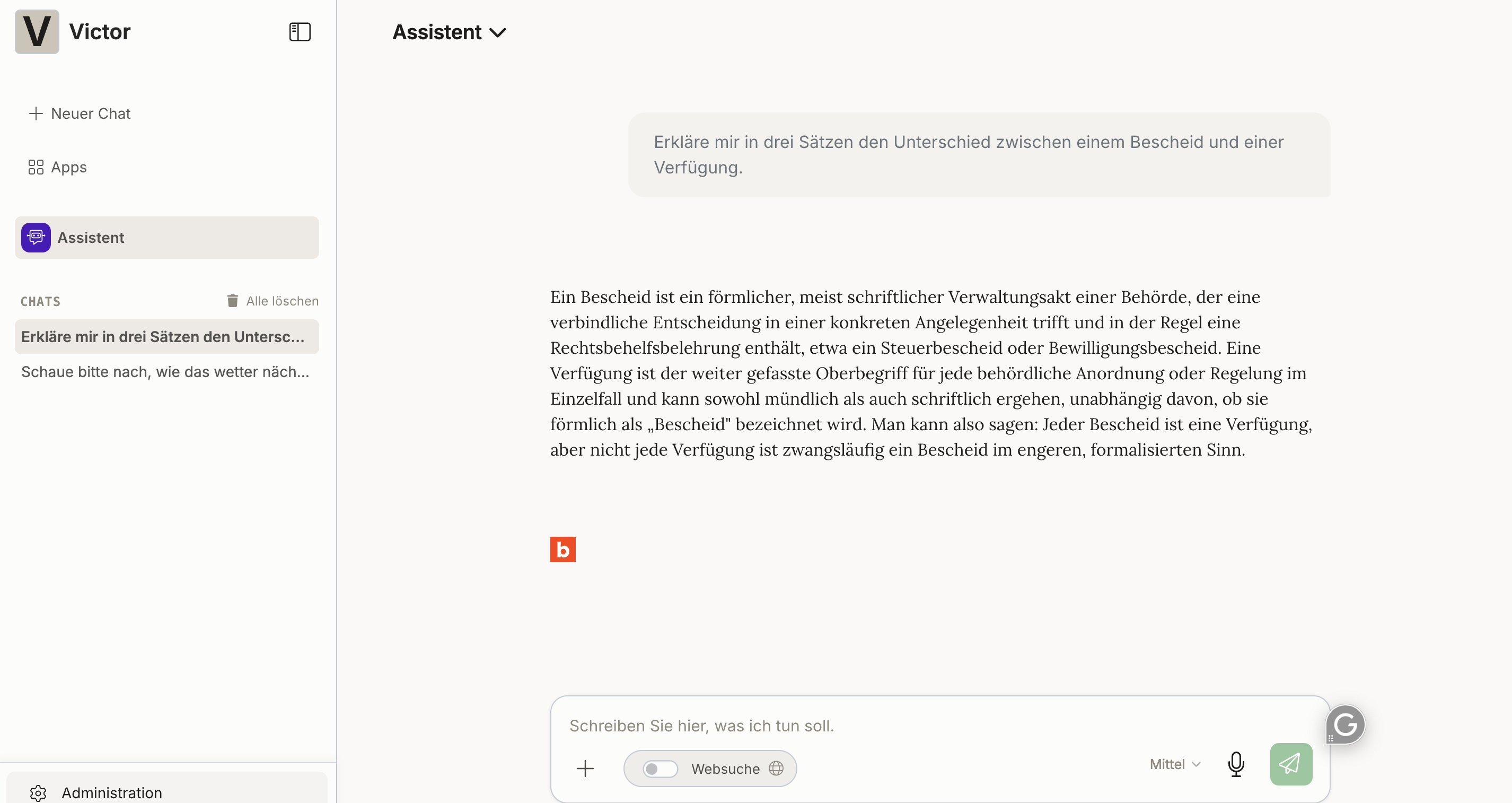
basebox gives you two ways to work with the AI. They differ mainly in whether you want to ask something spontaneously or capture a task for the long term.
Chat
Your direct conversation partner for the AI – like an assistant you can talk to right away. You ask a question, the AI answers.
Apps
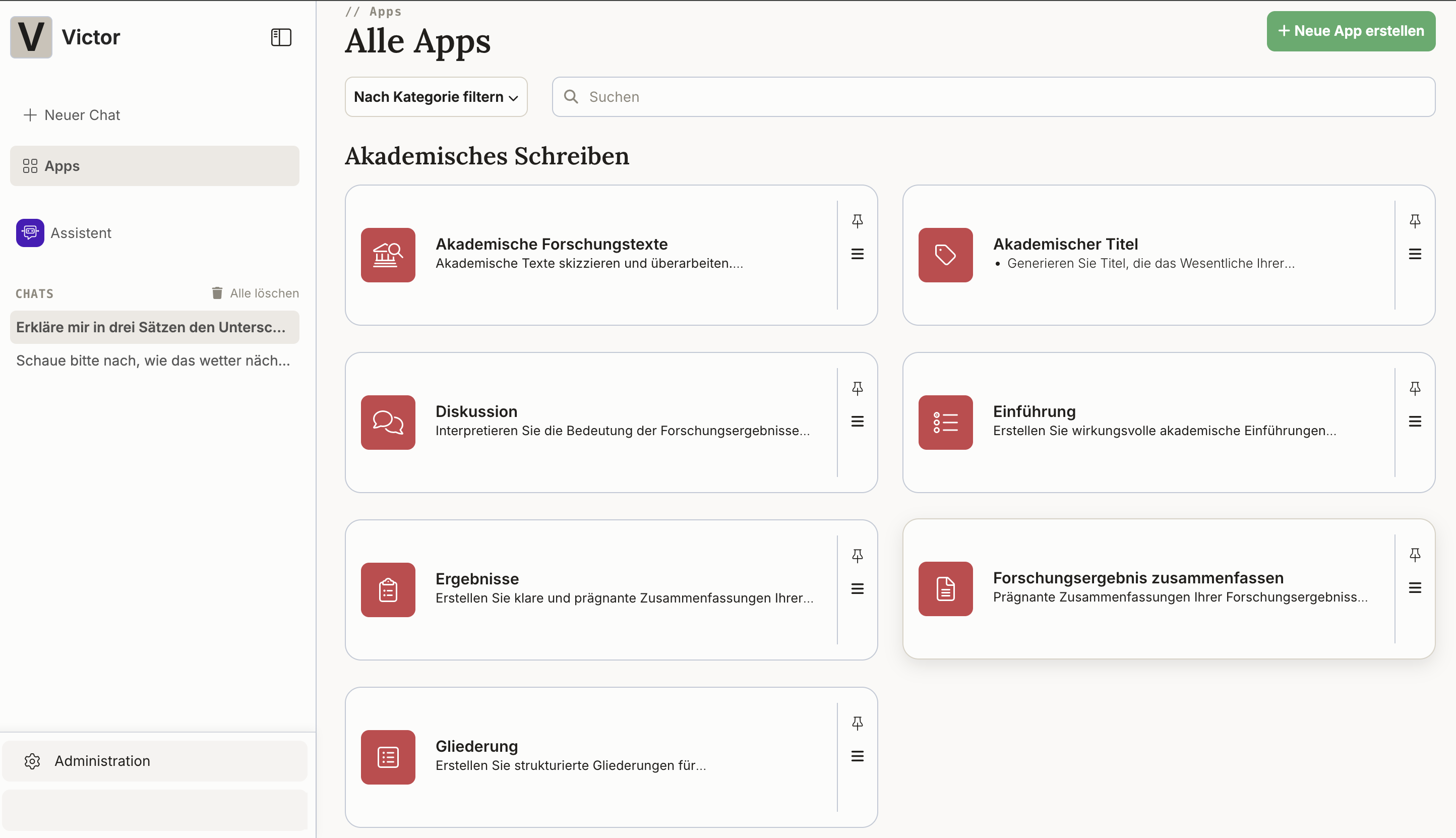
Specialized AI tools that you set up for a particular task – assistants set up for individual areas. For example a "contract analyzer", a "meeting summarizer", or the "manual for a device".
When do I use which?
Use chat for:
- One-off questions – "What does this contract say?"
- One-off document analysis – upload a PDF and ask questions about it
- Spontaneous research – "Explain concept XY to me"
- Experimenting – trying out different wordings
Use apps for:
- Recurring tasks – the same kind of analysis every month
- Teamwork – colleagues use the same app
- Structured processes – fixed sequences with several steps
- Large documents – complex analyses with their own knowledge base
- Keeping proven instructions – formulated once, called up again and again instead of rewriting them
The key differences at a glance
| Chat | Apps | |
|---|---|---|
| Getting started | available immediately | setup required |
| Type of use | spontaneous | structured processes |
| Reuse | a single conversation | reusable long-term |
| Visibility | just for you | shareable with the team |
Decision guide with examples
Use chat when you're thinking:
- "I have a quick question about this document."
- "Can the AI just explain this to me?"
- "I'm trying something out right now."
Create an app when you're thinking:
- "I do this every month with new data."
- "My team needs this too."
- "I want to go through the same steps every time."
Note
You don't have to decide once and for all. You can try many things in the chat first and capture them as an app later, once it turns out you need them regularly.
An app can consist of instructions only
An app needs neither its own documents nor connectors. Leave both out and it consists at its core of nothing but the stored app instructions – that is, of an instruction you formulated once and found to work.
This turns your app overview into a collection of templates you can call up at any time instead of rewriting them. And because apps can be shared within a team, your colleagues draw on the same vetted wording.
Typical cases:
- a fixed instruction for summarizing minutes
- a vetted wording for recurring reply letters
- an analysis grid that should always be applied the same way
basebox has no separate feature for saved templates – apps take on that role. Setting one up takes a few minutes: Creating a new app.
How do I create an app?
Once you've decided on an app: open Apps in the sidebar. On the "All apps" page, click "+ Create new app" in the top right. You'll find the full guide under Creating a new app.
Next step: Using your own apps · Create your own app
Need help? Contact support